

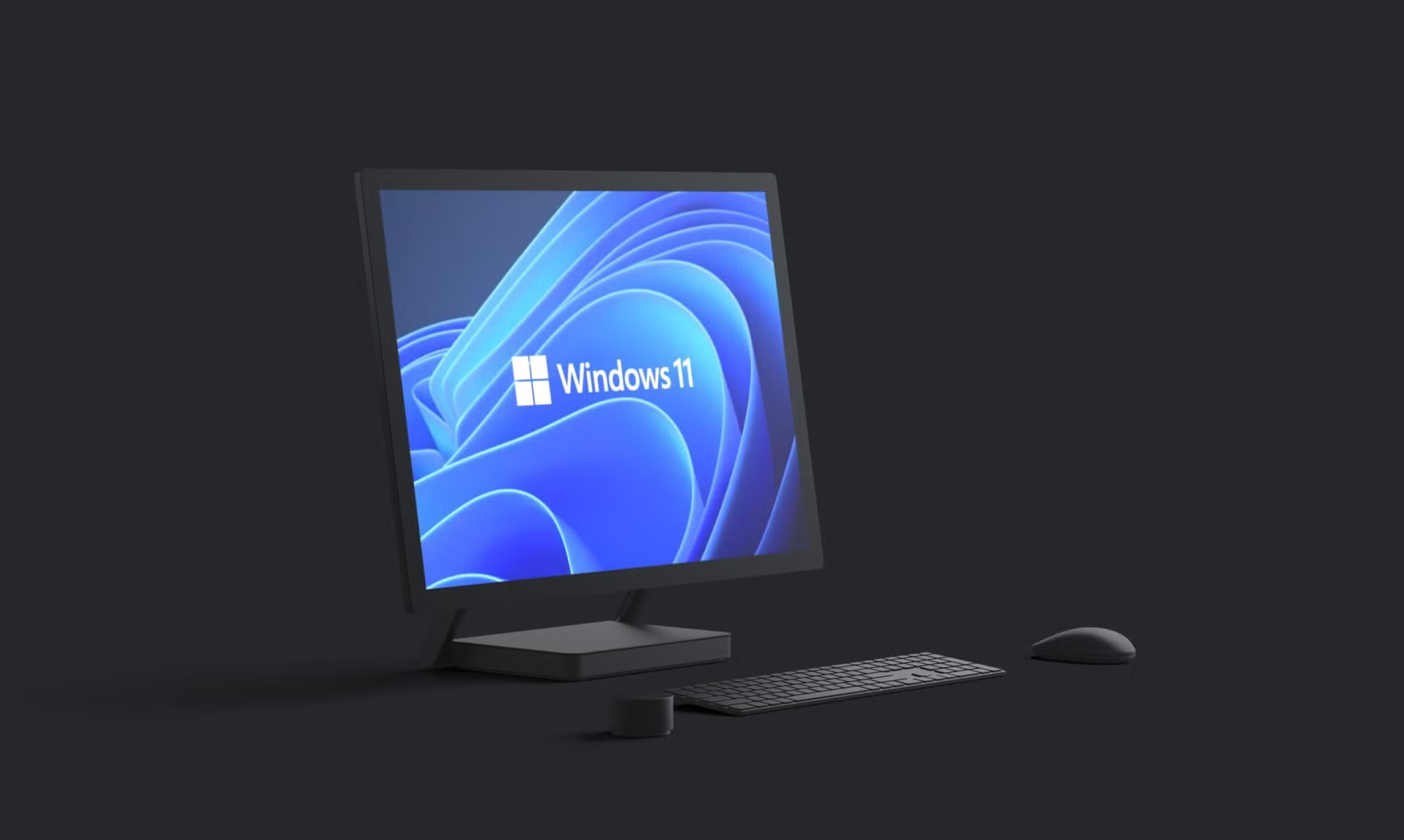
Windows 11: Powering Productivity and Play
Microsoft Windows 11 stands out with its sleek, modern interface that prioritizes usability and efficiency. The sleek, centered Start menu and taskbar deliver a clutter-free desktop experience. Additionally, Snap Layouts transform multitasking—simply hover over the maximize button to snap windows into intuitive grids for seamless side-by-side productivity. And this design isn’t just aesthetic; it’s built for speed, with faster boot times and optimized resource use that extend battery life on laptops.
AI Innovation at Your Fingertips
At the heart of Windows 11’s strength is Copilot, Microsoft’s built-in AI assistant that transforms how you interact with your PC. It handles natural language queries to adjust settings, generate content, or even create images, all with contextual awareness of your screen. Well, Gamers benefit too, with features like Auto Super Resolution boosting performance on Copilot+ PCs, making Windows 11 the first desktop OS with generative AI edge over rivals like macOS.
Seamless Integration for Everyday Wins
OneDrive’s deeper integration auto-syncs files, settings, and photos across devices, complete with ransomware recovery for peace of mind. Wi-Fi 6E and Dynamic Refresh ensure blazing connectivity and power savings. For developers and creators, these features streamline workflows—from front-end coding in VS Code to social media content prep—making Windows 11 a future-proof powerhouse.
Gaming and Security Superiority
It elevates gaming through DirectStorage, which slashes load times by streaming assets directly to the GPU, and Auto HDR for vibrant visuals in non-HDR titles. Security is fortified with TPM 2.0 requirements, Secure Boot, and enhanced Microsoft Defender antivirus. Touch and pen support shines on 2-in-1 devices, with gesture controls for intuitive navigation.